 hummingly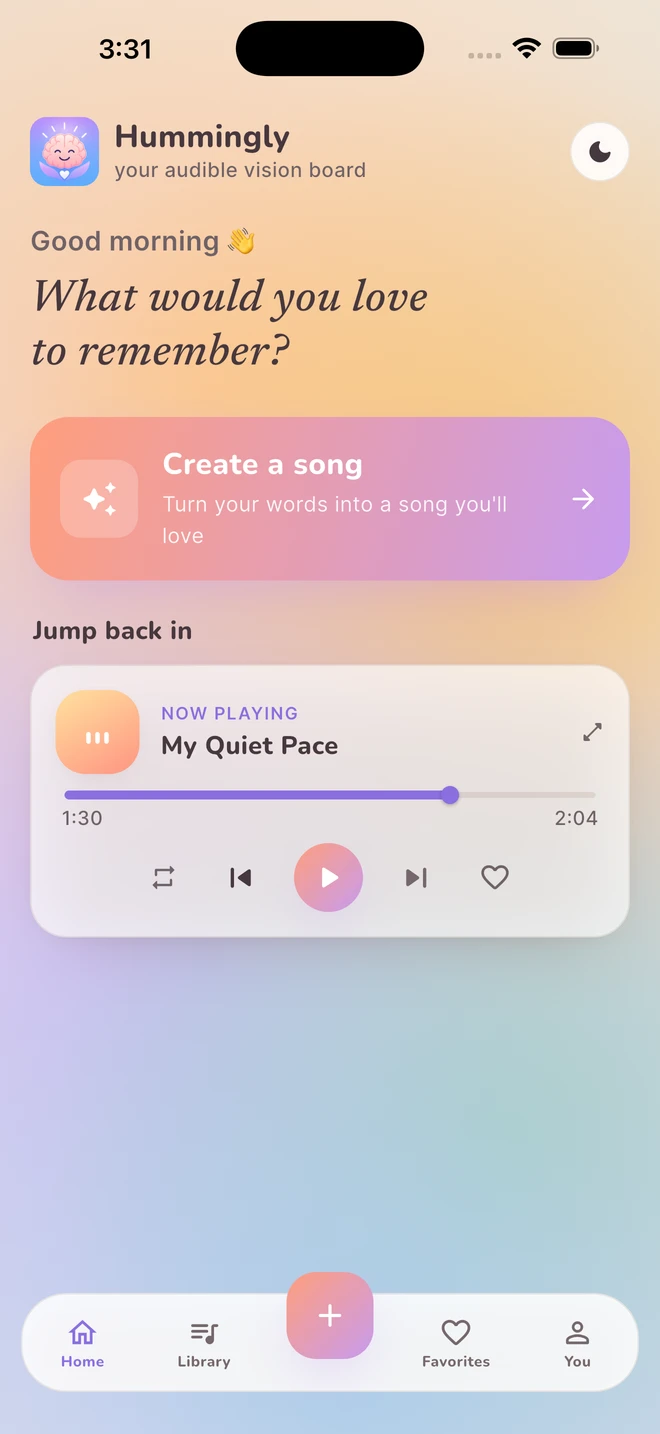
What belongs on an audible vision board?
Start with a theme that matters to you now, such as a new chapter, a small win or something you appreciate. The purpose is to express it in a form you enjoy returning to. You do not need a complete life plan, a polished poem or a particular emotional state.
A visual board uses pictures. A written note uses sentences. An audible board uses words, rhythm and melody. You can combine those formats or use just one. None of them guarantees that an outside event will happen, and this guide makes no claim that listening changes your brain or treats a condition.
| A theme | A question to try | A possible sound |
|---|---|---|
| A fresh start | What is one step I can take today? | Warm acoustic folk |
| A small celebration | What did I do that I want to remember? | Bright, easygoing pop |
| Gratitude | What ordinary detail made this day mine? | Soft, spacious music |
How do you make one in Hummingly?
Write a personal idea, refine the words, choose a sound and create a song. Hummingly brings those steps together without requiring you to compose or perform the music.
- Choose one thought. Keep the first song focused. A single meaningful moment is easier to describe than a long list of unrelated goals.
- Write in your own voice. Use an affirmation, a gratitude note or free writing. Remove details you do not want processed by a creation service.
- Review the lyrics. Read each version, change phrases that do not fit and choose the one that feels most like you.
- Choose a musical vibe. Preview the sound, adjust the available choices and make the song when you are ready.
- Keep a small collection. Organize finished songs in your library and playlists so each theme has a place.
For an example, start with: I can begin with one small step. I do not need the whole map today.
You might keep the first sentence as a chorus and use a verse to describe the moment. This is a fictional writing prompt, not a testimonial or an outcome promise.
How can it fit into an ordinary day?
Choose a moment when you already enjoy music. Your board can be a short playlist for a quiet morning, a creative break or the end of a day. There is no required streak, listening schedule or number of replays.
Listen for whether the words still feel right. Keep a song you enjoy, revise an idea that has changed, or put the collection aside. It should remain a creative choice rather than another task to complete. For listening comfort, keep volume moderate and take breaks. The World Health Organization offers practical safe listening guidance.
Is an audible vision board private?
Your Hummingly songs are not shared by default, and the app has no public song feed. Creating music still involves online processing. Eligible saved accounts can use private Library Sync; optional cloud backup is a separate recovery choice.
Read the Library Sync guide and Privacy Policy before entering sensitive words. A private library does not mean that every file stays only on your device. If you choose to share, recipients must be authorized Hummingly accounts.
Your questions, answered.
Do I need to record my own voice?
No. Hummingly uses AI to create sung music from the lyrics you choose. You can edit those lyrics before creating the song.
Is an audible vision board a manifestation guarantee?
No. Here it means a personal collection of ideas set to music. Hummingly does not promise that listening will cause a life event, improve health or deliver a particular result.
Can I make more than one song?
First Hum includes one welcome song for the lifetime of an account. Paid Cozy and Glow memberships include 20 and 50 creations per UTC calendar month respectively, without rollover.
Keep exploring.
Feature descriptions are based on the Hummingly User Manual. Product information is published by Epicalin, LLC. Fictional examples are provided for creative inspiration.