 hummingly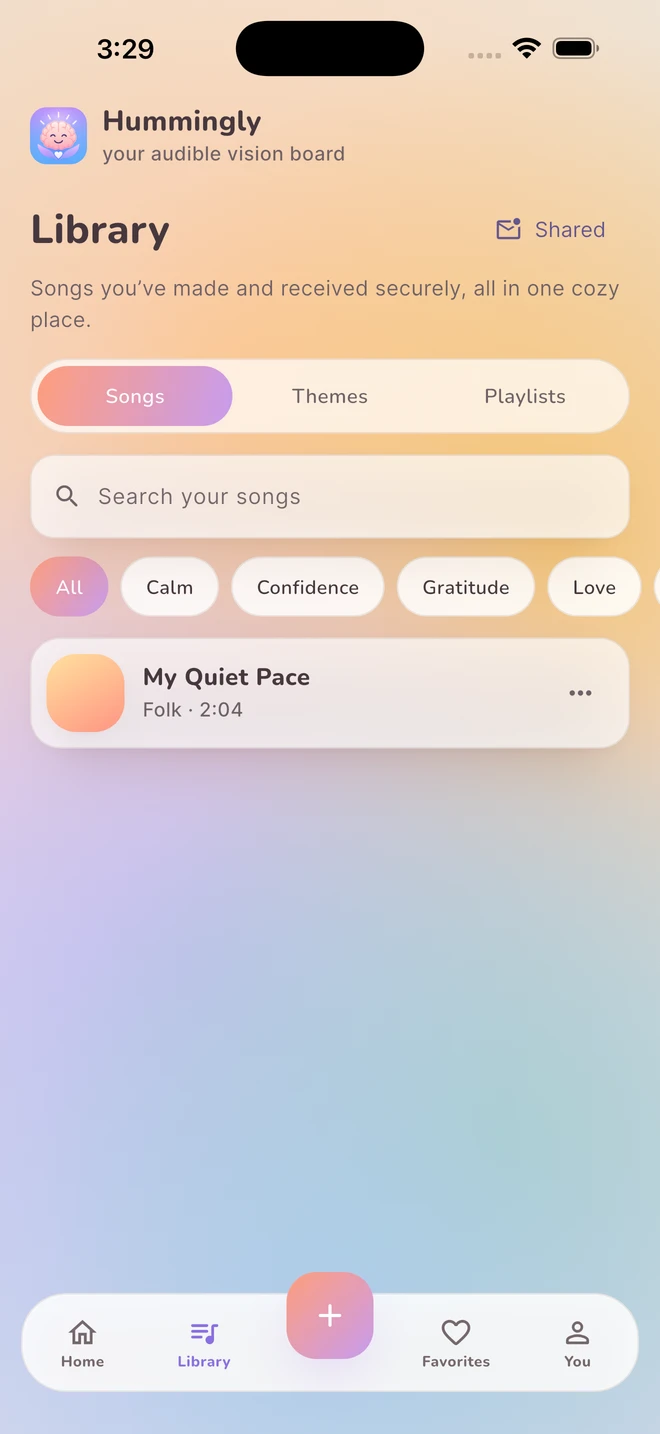
What can you write a gratitude song about?
Write about something specific enough to picture. A familiar voice on the phone, a shared meal or sunlight across the kitchen can give a song more character than a long list of things to be thankful for.
You do not need to make every experience positive. A gratitude song can hold one thing you appreciate inside an otherwise complicated day. It is an invitation to write, not a requirement to feel a certain way or a promise that a song will change your mood.
- A person: What small action made you feel considered?
- A place: Which detail makes it feel familiar?
- An ordinary object: What memory does it carry?
- Your own effort: What did you show up for today?
- A shared moment: What would you like to remember a year from now?
How do you shape the note into lyrics?
Use a simple sequence: the scene, the detail and the reason it matters. That gives a verse something to describe and a chorus something to return to.
| Part | Writing prompt | Example |
|---|---|---|
| The scene | Where were you? | At the kitchen table after a long day |
| The detail | What happened? | Someone set down a cup of tea beside me |
| The meaning | What do you appreciate? | They remembered the small thing I like |
| The chorus | What line belongs on repeat? | Thank you for the little things you notice |
Keep a few details and leave the rest out. You can change the names, simplify the setting or make the words only about your own experience. These examples are fictional prompts, not stories from Hummingly users.
How do you make the gratitude song in Hummingly?
Choose Gratitude in the writing step or begin with free writing. Review the lyric options, make your edits, then choose the musical vibe that fits the moment.
- Write the note in plain language first.
- Keep the specific detail when you refine the lyrics.
- Remove any phrase that overstates what you mean.
- Preview an available sound and adjust the choices you want.
- Create the song, listen and save it to your personal collection.
Your song can be intimate and quiet or bright and celebratory. Pick something you would enjoy hearing again. Song creation uses online AI services and can take several minutes; the result is not guaranteed to have an exact length. See the creation guide for what to expect.
Should you keep it private or share it?
Keeping the song for yourself is a complete choice. Hummingly has no public song feed, and your creations are not shared by default. You can organize a gratitude collection in your library without sending it to anyone.
If the song is for another person, think about whether its details are yours to share. Hummingly private sharing requires explicitly authorized recipients with Hummingly accounts; a link alone does not grant playback. The app is not an unrestricted public music hosting service. Read the private sharing guide before sending a song.
Use only words and music you have permission to use. A song about someone does not grant permission to publish their private information or imply that they endorse a product. For storage and deletion choices, see the Privacy Policy.
Your questions, answered.
Can I turn a thank you note into a song?
Yes. Use the note as your starting words, review the generated lyrics and choose a musical vibe. Keep personal details limited to what you are comfortable processing and sharing.
Can someone listen just by opening my song link?
No. Hummingly private sharing requires an explicitly authorized Hummingly account. A link on its own is not playback permission.
Do I need a paid membership for my first song?
First Hum includes one welcome song for the lifetime of your account. Cozy and Glow are optional paid subscriptions for more creations. The iOS and Android apps are available now in the United States for adults 18 and older.
Keep exploring.
Feature descriptions are based on the Hummingly User Manual. Product information is published by Epicalin, LLC. Fictional examples are provided for creative inspiration.